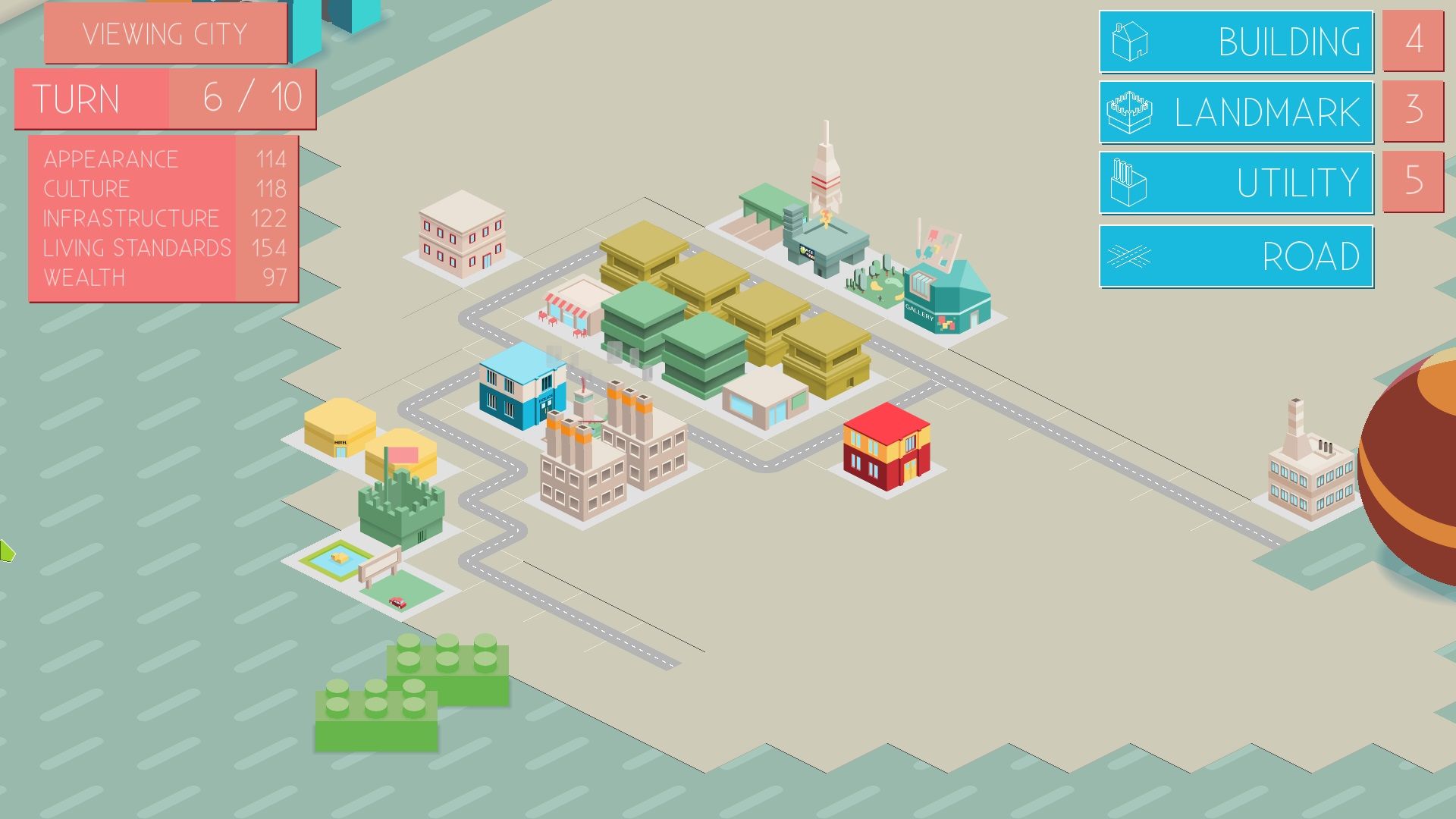
Cities rise from chaos. One moment it’s empty grid space, the next—skyscrapers, highways, bustling districts. That thrill of watching a blank map transform into a living, breathing metropolis is why city building games endure. And now, more than ever, you don’t need a high-end PC or a wallet to play. The best 3D city builders are free, browser-based, and surprisingly deep.
Forget outdated Flash games. Modern HTML5 and WebGL tech powers free online 3D city building games that render detailed environments, simulate traffic flow, and respond to your planning decisions—all without downloads or subscriptions. Whether you're killing time, testing urban theories, or just craving creative control, these experiences deliver.
Let’s cut through the noise and spotlight the real contenders.
Why Free Online 3D City Building Games Are Worth Your Time
Most people assume “free” means “low quality.” Not anymore. Thanks to cloud-powered rendering and smart game design, free 3D city builders now offer:
- Zero install friction: Play instantly in Chrome, Firefox, or Edge
- Real urban simulation: Traffic AI, zoning logic, pollution systems
- Active communities: Player forums, mod support, and challenge events
- Cross-device access: Progress syncs between laptop and tablet
The appeal isn’t just convenience. It’s accessibility. You don’t need to commit to a $30 purchase to test if you enjoy the genre. Just open a tab and start laying roads.
But beware: not all browser-based city games deliver on the 3D promise. Many claim 3D but use isometric 2D graphics or offer shallow mechanics. True 3D means dynamic camera control, real depth perception, and layered cityscapes.
What to Look for in a Free 3D City Builder
Before jumping into a game, ask:
- Is the camera fully rotatable and zoomable? If you can’t tilt or orbit, it’s not truly 3D.
- Does terrain deformation work? Can you raise hills or dig canals? Real 3D builders allow terrain editing.
- Are buildings scaled realistically? No floating skyscrapers or mismatched proportions.
- Is there actual simulation depth? Watch how citizens move, where congestion forms, how power grids fail.
Games that pass these tests offer more than visual flair—they create emergent gameplay. One misplaced highway interchange can strangle a district. A well-placed park might boost nearby land value. These subtle dynamics turn planning into strategy.
Top 5 Free Online 3D City Building Games (2024)
Here are the standout titles that balance depth, graphics, and accessibility—all playable in-browser with no registration in most cases.

| Game | Graphics | Simulation Depth | Notes |
|---|---|---|---|
| SimCity BuildIt (Web Version) | High (mobile-grade 3D) | Medium | Surprisingly robust for a browser port |
| CityGrows | Clean, stylized 3D | Light | Great for beginners; addictive progression |
| Urbanoid | Realistic textures, dynamic lighting | High | Full traffic AI and day-night cycles |
| The Line Zen | Minimalist 3D | Strategic | Focus on balance, not sprawl |
| TerraGenesis: Cities | Sci-fi 3D | Deep | Colonize Mars with full infrastructure systems |
Let’s break them down.
#### SimCity BuildIt (Web Version) Yes, the mobile giant has a browser iteration. While EA locks some features behind sync requirements, the core 3D city experience is intact. Zoom around your city, rotate the camera, and watch helicopters circle city hall. The simulation is simplified—no complex traffic AI—but the visual fidelity and building variety make it a solid pick.
Tip: Avoid over-clustering high-density zones. Without proper road hierarchy, traffic backs up fast—even in simplified models.
#### CityGrows A hidden gem. CityGrows uses WebGL to render smooth 3D models with responsive textures. The gameplay loops around balancing budgets, pollution, and citizen happiness. Unlike cartoonish competitors, it features realistic zoning: residential near quiet areas, industrial downwind.
Limitation: Save files are browser-local, so clearing cache wipes progress. Use a dedicated browser profile.
#### Urbanoid This is where free 3D city building gets serious. Urbanoid simulates traffic down to individual vehicles, adjusts tax revenue based on land use, and includes a functioning power grid. The camera moves freely in 3D space, letting you inspect intersections from street level or survey the entire city from above.
Pro tip: Start small. Build a compact downtown with mixed-use zones. Sprawl kills performance and creates commute nightmares.
#### The Line Zen Minimalist by design. The Line Zen strips away excess UI and forces you to build on a single axis. Your city grows left to right, balancing residential, commercial, and green zones. The 3D models are simple, but the challenge is real: overcrowding drops happiness, while too much green space drains revenue.
Why it stands out: It teaches urban planning principles without overwhelming new players.
#### TerraGenesis: Cities Not just Earth—build on Mars, Venus, or exoplanets. TerraGenesis: Cities blends planetary terraforming with city management. You adjust atmospheric pressure, temperature, and ocean coverage before laying roads. The 3D engine renders alien landscapes with believable detail.
Fun use case: Try building a domed city on Mars, then gradually make the planet habitable.
How These Games Compare to Paid Alternatives
You’ve probably heard of Cities: Skylines or SimCity (2013). How do free browser games stack up?
| Feature | Free Online 3D Builders | Paid Games (e.g. Cities: Skylines) |
|---|---|---|
| Graphics | Good (WebGL-powered) | Excellent (native rendering) |
| Simulation Depth | Medium to high | Very high (moddable AI, custom assets) |
| Mod Support | Rare | Extensive |
| System Requirements | Browser only | High (dedicated GPU, 8GB+ RAM) |
| Cost | Free | $30–$40+ |
| Save Management | Local or cloud-limited | Full control |
Verdict: Free online 3D builders won’t replace Cities: Skylines, but they’re not meant to. They’re entry points, learning tools, or casual diversions. Where they shine is immediacy. No setup. No investment. Just build.
For students, hobbyists, or designers testing layout ideas, these games offer 80% of the core experience at zero cost.
Common Mistakes New Players Make
Jumping into a city builder without a plan leads to failure—fast. Watch for these traps:
- Overbuilding early: Don’t plop down 10 skyscrapers at launch. Population grows slowly. Overcapacity kills budgets.
- Ignoring road hierarchy: No highways? Gridlock. Too many intersections? Traffic jams. Use arterials and collectors.
- Placing polluting zones near homes: Factories downwind, not next to schools.
- Skipping public transit: Buses and metros reduce traffic. Even in simple sims, they matter.
- Forgetting power lines: One blackout can cascade into economic collapse.
Start with a small grid. Add power, water, and a few residential zones. Expand only when demand justifies it.
Use Cases: Who Actually Plays
These Games?
Free 3D city builders attract more than casual gamers.
- Urban planning students: Test zoning theories without real-world consequences.
- Teachers: Use games like Urbanoid to teach resource management in social studies.
- Designers: Sketch city layouts, then export screenshots for presentations.
- Stress relief: The rhythm of building, adjusting, and watching life unfold is meditative.
One architect told us: “I prototype neighborhood layouts in CityGrows before drafting CAD plans. It’s faster and more intuitive.”
Getting the
Most Out of Free 3D Builders
Maximize your experience with these workflow tips:
- Use bookmarks: Save multiple city states by bookmarking different progress points.
- Play in fullscreen: 3D navigation works better with maximum screen space.
- Take screenshots: Document your city’s evolution. Some games let you share them.
- Join forums: Reddit’s r/CityBuilding and Discord servers share maps and strategies.
- Limit sessions: These games are immersive. Set a timer if you’re playing during breaks.
And always clear your cache after exporting saves—unless you enjoy starting over.
Final Thoughts: Build Smart, Build Now
Free online 3D city building games have evolved from tech demos into legitimate urban simulators. They may lack the depth of premium titles, but they deliver real engagement at no cost.
Your next great city isn’t locked behind a paywall. It’s waiting in a browser tab.
Find a game that fits your style—whether it’s the sci-fi depth of TerraGenesis or the elegant simplicity of The Line Zen—and start building. The only limit is your imagination.
Frequently Asked Questions
Are free online 3D city building games safe to play? Yes, especially on trusted platforms like CrazyGames, Poki, or official developer sites. Avoid sites with excessive pop-up ads.
Do I need to create an account? Most don’t require registration. Some save progress locally or via browser sync.
Can I play on a Chromebook? Absolutely. These games run on WebGL, which is supported by all modern Chromebooks.
Is there multiplayer in any of these games? Not yet in true 3D browser games. Most are single-player, though some have leaderboards.
Why does my city’s traffic jam so fast? Likely due to poor road hierarchy. Use one-ways, limit intersections, and add public transit early.
Can I export my city design? Some games allow screenshot downloads. None support file exports yet, but you can document layouts manually.
Are mods available? Rarely. Browser-based games usually don’t support mods due to security and performance limits.